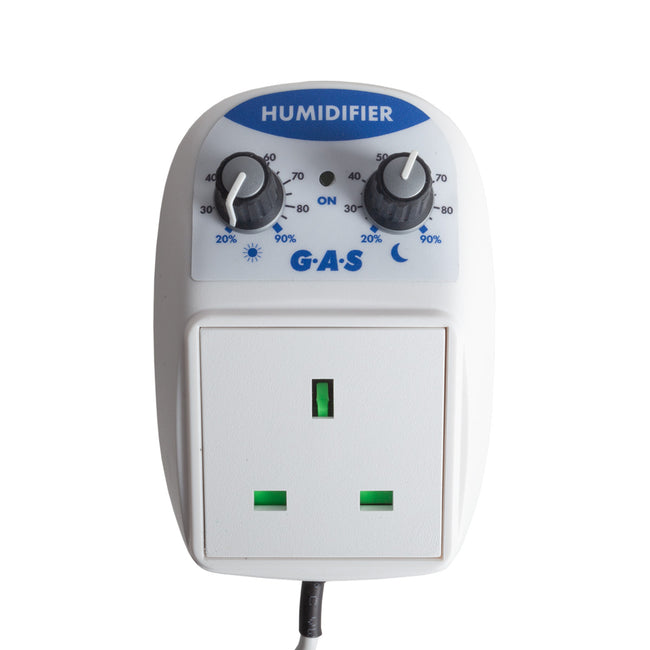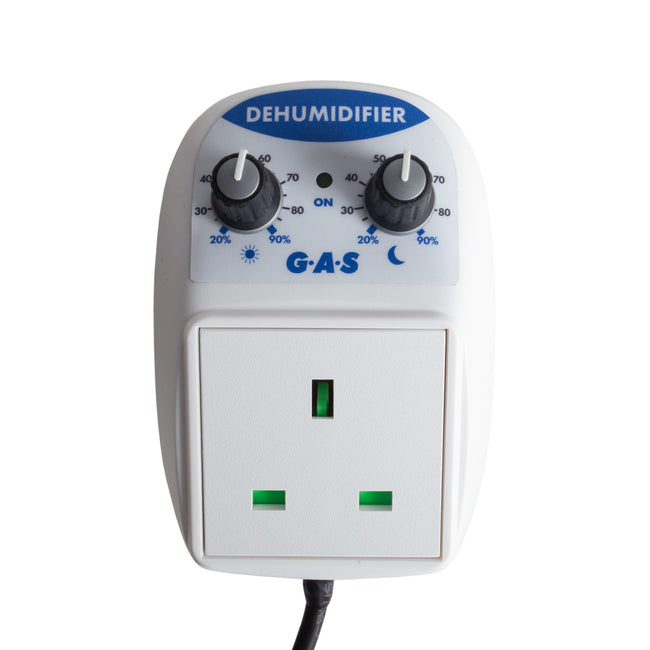

G.A.S Intelligent Humidity Controller
Optimise nutrient uptake, water absorption & growth - harness your humidity & VPD with a G.A.S Intelligent Humidity Controller & G.A.S SonicAir Pro Humidifier.
How?
Your VPD is the 'drying power' of air - how much pressure it puts on plants to transpire. It's determined by what your humidity is, at a specific temperature.
To optimise your VPD, this controller determines and maintains your ideal humidity, based on:
- air temperature
- stage of growth
- plant temperature
- light cycle (on / off)
You don't have to worry about temperature fluctuations messing with transpiration. No other humidity controller gives you this much precision.
- Optimises transpiration, uptake & growth
- Humidity based on: air temperature, plant temperature, stage of growth & time of day
-
RH (%) or VPD (Vapour Pressure Deficit)
- 24hr or Day/Night mode
-
3 VPD settings: Early veg; late veg/early flowering; late flowering
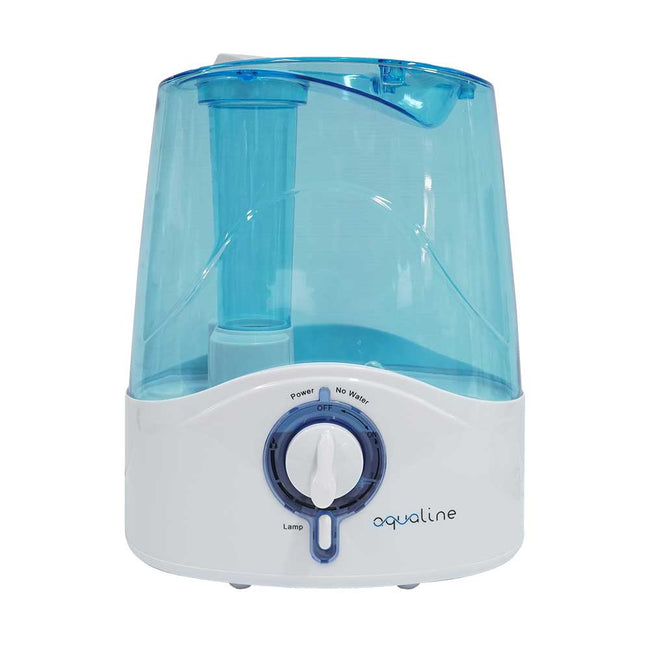
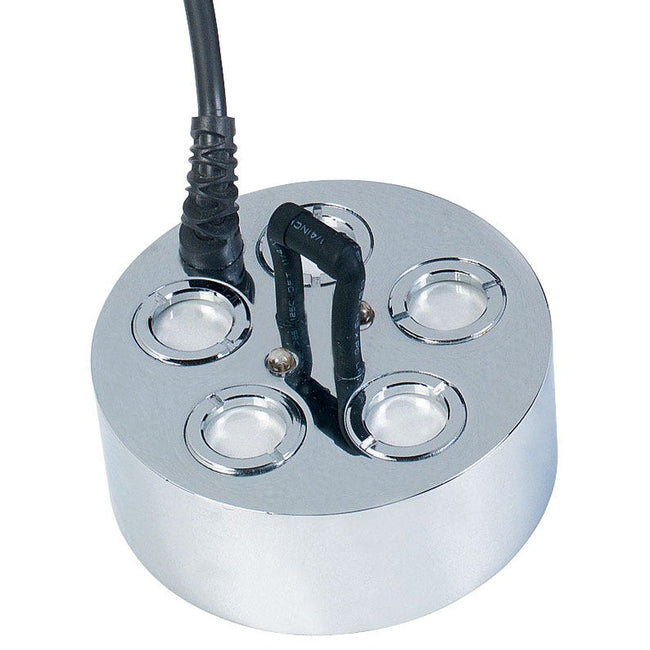
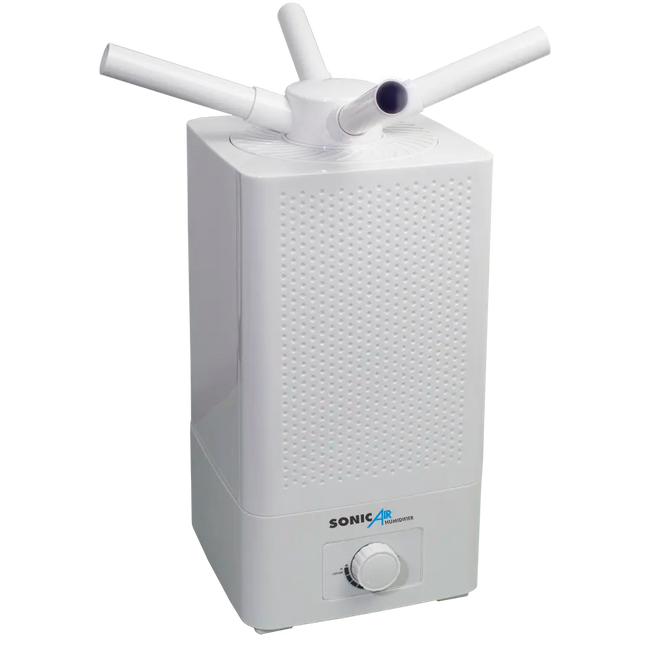
Compatible Humidifier
What's VPD?
Plants constantly transpire - this is where they lose water. This process directly impacts nutrient uptake, translocation & ultimately growth.
To control transpiration, some growers focus on their humidity. A higher humidity slows it down, a lower humidity speeds it up. The problem is, at different temperatures, your humidity has a different affect on transpiration,.
To really know how your humidity affects transpiration, you need to monitor your VPD (vapour pressure deficit).
Think of your VPD as the drying power of air. It uses your temperature & humdity (%RH) to calculate the transpiration pressure placed on plants.
- A high VPD means the air is dry, so water leaves plants at a faster rate
- A low VPD means the air is moist, so water leaves plants at a slower rate
Remember, moisture moves from wetter areas to drier areas. The bigger the gap, the faster this happens. Kind of like how a drier sponge takes less time to soak up a spill then a damp one.
1. Place The Probe
Place it in the centre of your grow room, above the canopy, under any lights (the probe will need to sense whether they're on or off for day/night mode).
2. Connect To Humidifier
Connect the controller to your humidifier using the male/male lead (included).
Plug your humidifier into a socket - the controller is powered by the humidifier.
3. Set Controller
Everything is set using the large 'Menu' dial.
- Turn to the right to select menus and change values
- Press to select or open menus
When you first turn the controller on, you will be on the home screen:
1 Turn the controller to the right to show default settings
2. Press the dial to open the main menu
3. Turn the dial to move through menu items
4. Select items from the menu by pressing the dial
4. Probe Calibration
The probe comes pre-calibrated, however you can recalibrate it to offset the temperature or humidity.
To do this, enter the main menu, scroll to 'probe calibrate' and select it.
5. Leaf Temperature Offset
There's an option to enter a 'leaf temperature offset'. This is how much lower your leaf temperature is than your grow room temperature. We recommend an offset of '-1' for small plants, or '-2' for bigger plants.